Using Twin in other Apps
Bring your Digital Twin into the tools you already work in: your IDE, Claude Desktop, custom MCP clients, and more.
Where to connect
Open My Twin → Data & Integrations → Apps and scroll to Use Twin in External Apps. Each card opens a setup flow for that tool.
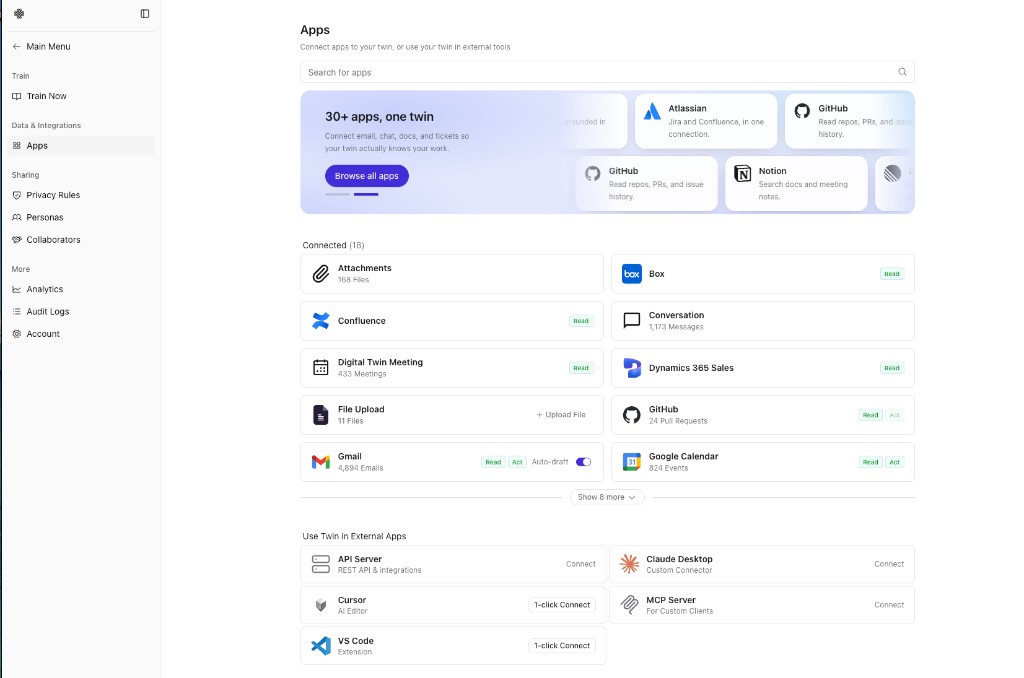
| App | What it's for |
|---|---|
| Claude Desktop | Query your Twin from Anthropic's desktop app via a one-click extension |
| Cursor | Ask your Twin for internal context while you code |
| MCP Server | Connect any MCP-compatible client using your server URL and a personal access token |
| ChatGPT | Embed organizational context in ChatGPT workflows |
| Slack | Use your Twin inside Slack |
Most external-app connections require a Personal Access Token. Create one from the setup page for the app you're connecting, then follow that app's install or configuration steps.